VSCode Rulers Config Change
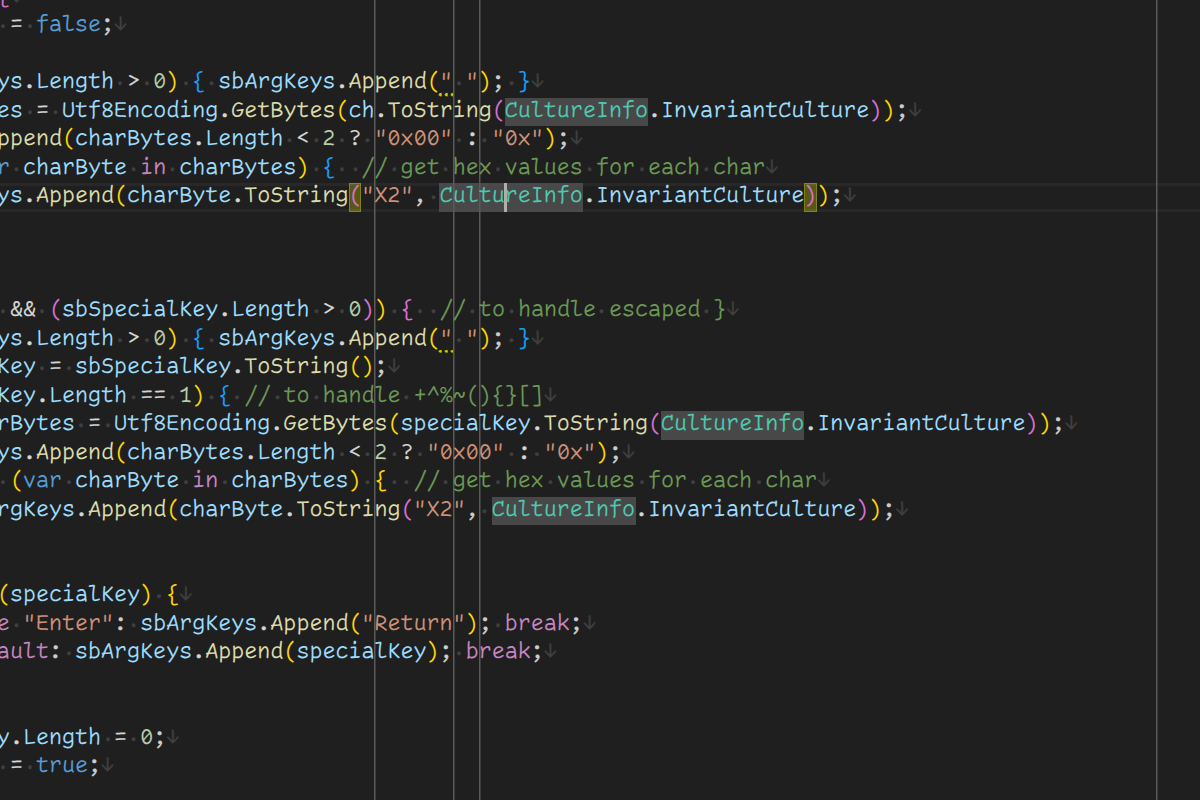
I love having rulers in text editor. While I don’t necessarily obey them at all times, they are useful as an indication of line length. That is, assuming they stay in the background. With VSCode 1.113 my background rulers suddenly lost their color and moved to foreground as grey lines. Quite distracting.
I double checked my config and it was the same as always:
"editor.rulers": [ 72, 78, 80, 132 ],
"workbench.colorCustomizations": {
  "[Default Dark Modern]": {
    "editorRuler.foreground": "#402020"
  },
  "[Default Light Modern]": {
    "editorRuler.foreground": "#F0E0E0"
  }
}
It didn’t take me long to find issue 54312. VSCode now allows customizable ruler color. However, in the process of this, editorRuler.foreground style was removed. Thus, my theme defaulted to ugly gray.
However, it is simple to recreate the old behavior:
"editor.rulers": [
  { "column": 72,  "color": "#402020" },
  { "column": 78,  "color": "#402020" },
  { "column": 80,  "color": "#402020" },
  { "column": 132, "color": "#512f2f" },
],
Here I even use the perk that caused the issue in the first place - my last ruler is a slightly different color. The only downside for me was the fact you cannot setup ruler color per theme. Thus, you might need to adjust colors every time theme is changed. Considering I almost never change the theme, this is something I am ready to live with.
Gray rulers be gone!