Dealing with "No Signal" on HDMI Input
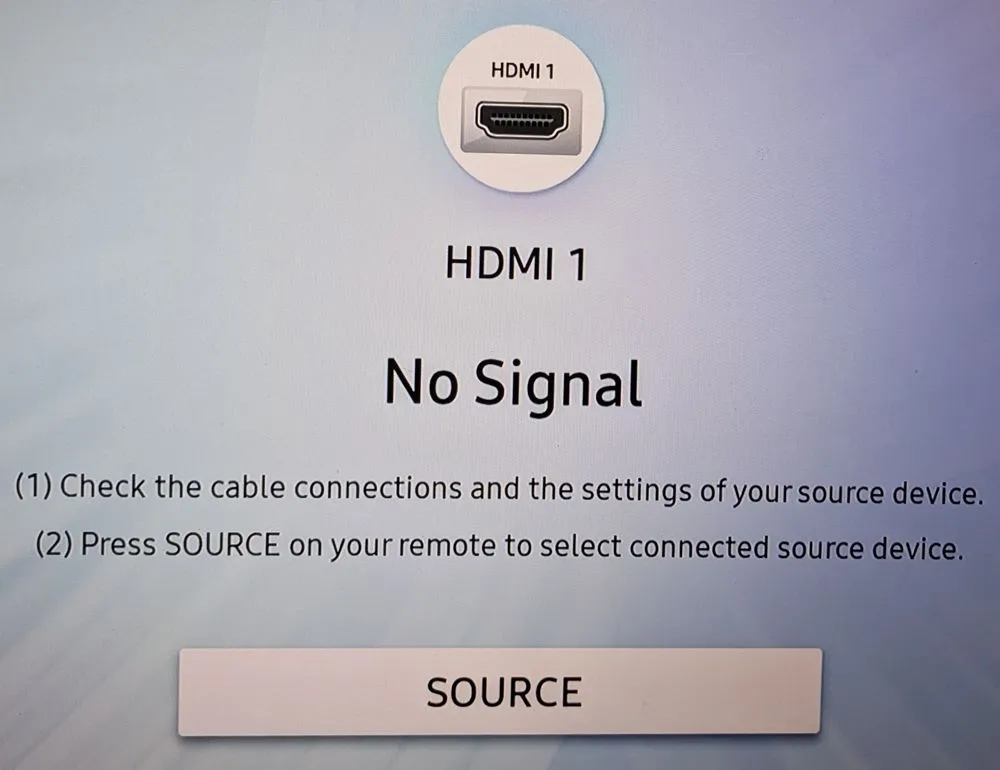
For my media PC I use old Intel’s gen 11 board. As I upgraded my Framework laptop, it just made sense to use it. Bazzite works flawlessly on it. At least until paired with my Samsung “smart” TV.
I might be turning into an old man yelling at clouds but it seems that smart TVs are getting dumber and dumber. My PC is connected to TV via HDMI cable and it works wonderfully. Until TV is off for some time. Then suddenly, TV cannot find HDMI source.
I already wrote about this so I will spare you details on how I figured the TV was to blame. Suffice it to say that I found the fix even back then. But now I had an issue with my fix. It was too slow.
You see, I decided to use 1 minute timer. Which means that, once TV has gone crazy, one had to wait a minute at worst. And that caused some impatience in my household. So, I needed a faster detection…
The new script at /usr/local/bin/dp-reconnect looks something like this:
#!/usr/bin/env bash

while(true); do
    SLEEP_INTERVAL=$(( 3 - `date +%S` % 3 ))
    sleep $SLEEP_INTERVAL

    DP_CONNECTED=0
    for DP_PATH in /sys/class/drm/card1-DP-*; do
        DP_STATUS=$( cat "$DP_PATH/status" | grep '^connected$' | xargs )
        if [[ "$DP_STATUS" == "connected" ]]; then
            DP_CONNECTED=1
            break
        fi
    done

    if [[ $DP_CONNECTED -ne 0 ]]; then
        echo "$(date '+%Y-%m-%d %H:%M:%S') Display $( basename "$DP_PATH" ) connected"
    else
        echo "$(date '+%Y-%m-%d %H:%M:%S') No connected displays"
        chvt 2
        sleep 1
        chvt 1
    fi
done
Instead of “one-shot”, this script loops forever. The very first calculation is there just to slow things a bit and ensure payload is executed every 3 seconds. And yes, this could have been replaced with sleep 3 without any functionality loss. However, I like to “align” my execution times so I did it in slightly more complicated manner.
To run this code, we can simply create /etc/systemd/system/dp-reconnect.service with the following content:
[Unit]
Description=Switch terminal if no DP is connected

[Service]
ExecStart=/usr/local/bin/dp-reconnect
Restart=always
RestartSec=5

[Install]
WantedBy=multi-user.target
With all files in place, the only remaining thing was enabling the service:
sudo systemctl daemon-reload
sudo systemctl enable --now dp-reconnect.service
Now my TV reacts much faster, hopefully putting this story to an end.